Web Clipper
Spotted. Saved. Without switching tabs.
Add a product to your project or library from any website, while you browse.
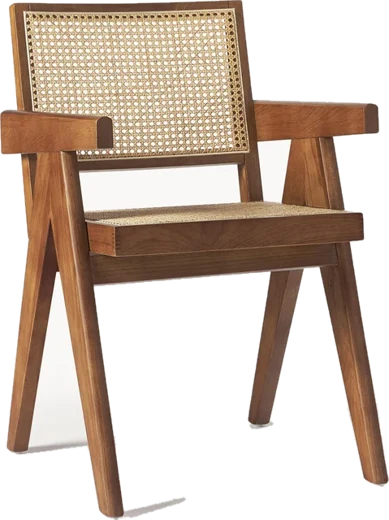
LA REDOUTE INTÉRIEURSPierre cane chair€249Walnut-stained beech · natural caneW 56 × D 52 × H 80 cmAdd to basket
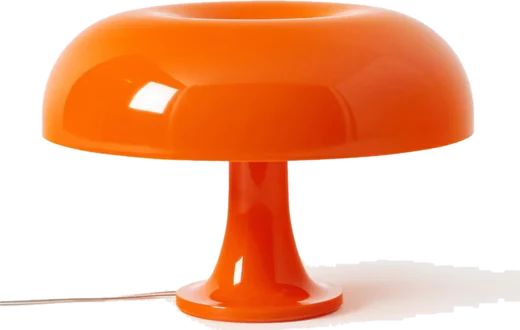
MADE IN DESIGNNesso table lamp€299Glossy polycarbonate · orangeØ 54 × H 34 cmAdd to basket
 Web Clipper
PriceDimensionsMaterialBrand
Add to projectWithout Phasen4 steps
- Browser bookmark
- Screenshot
- Tab left open
- Link sent by email
With Phasen1 step
One click. Filed in the right room.
Time saved
Two hours of back and forth.
Or five minutes.
For 60 products spotted while browsing.
Without PhasenTabs, copy-paste
≈ 2 hWith Phasenone click per product, without leaving the supplier's site
≈ 5 minUp to×24faster
Switch tabs and copy60 × 1 min1 h
Save and rename the image60 × 40 s40 min
Find the right project60 × 20 s20 min
Phasen estimate for 60 products spotted while browsing. Actual savings depend on how you work.
Your sourcing, at the pace of your browsing.
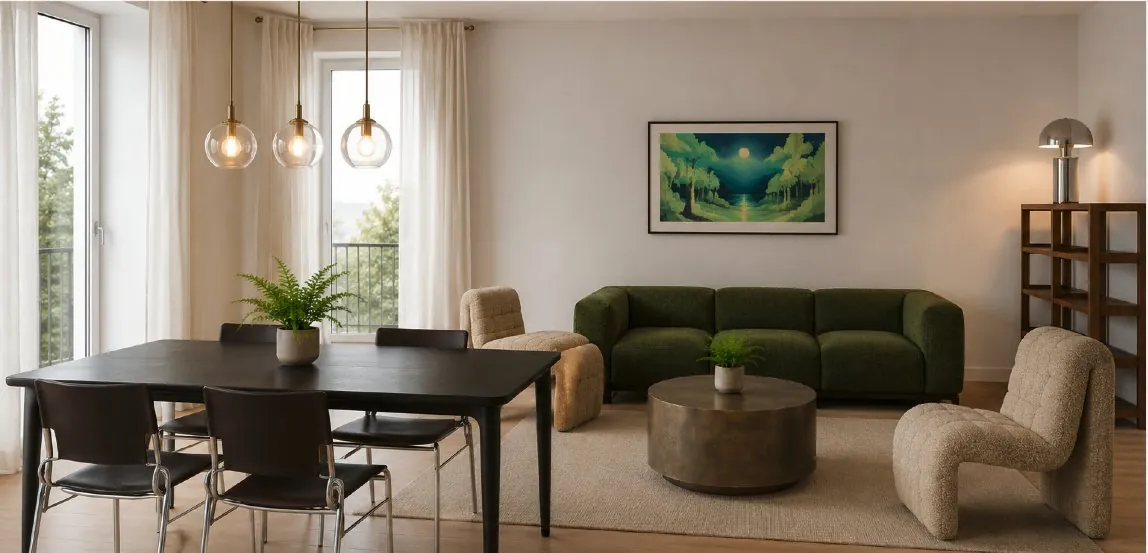
Phasen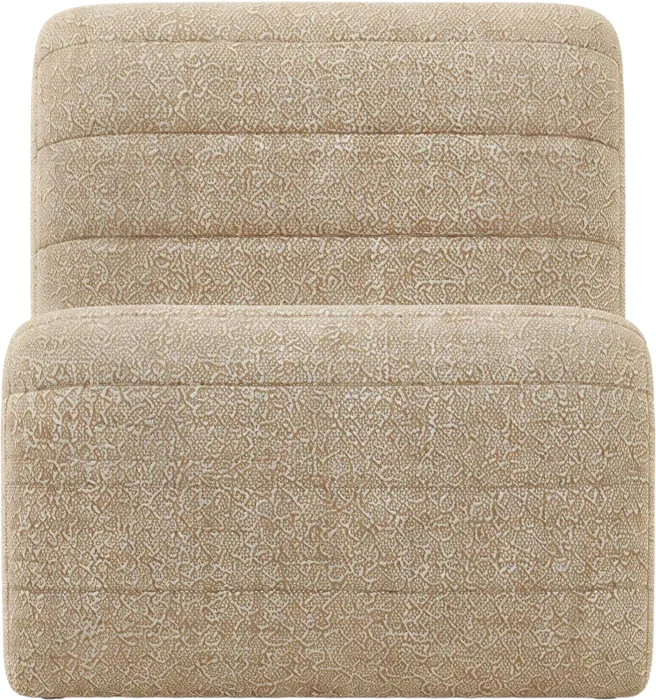 Bouclé armchair€499.98Add to project
Added to La Fayette project · Living room
Without switching tabs.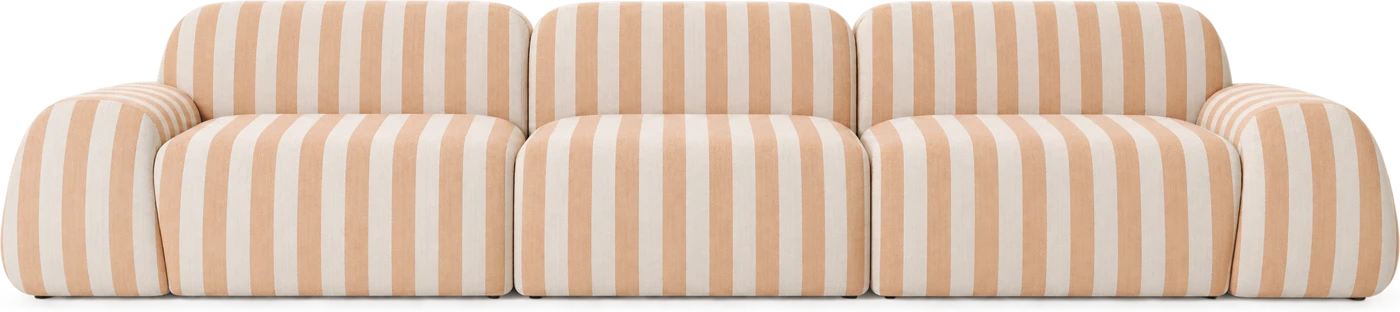
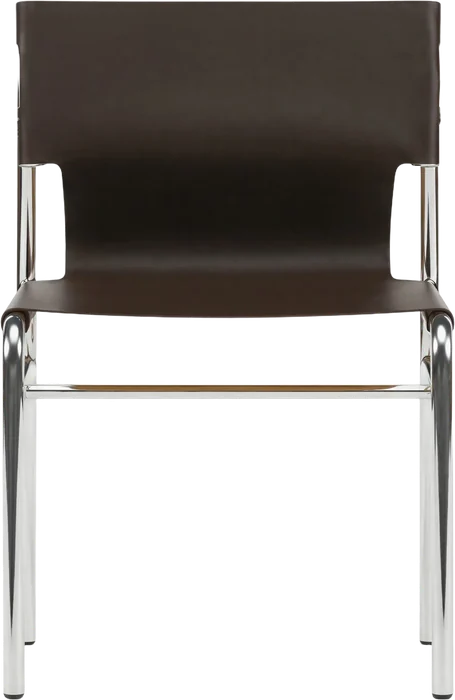
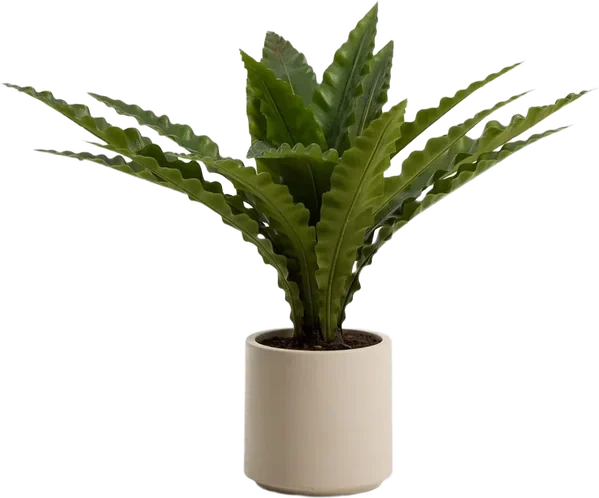
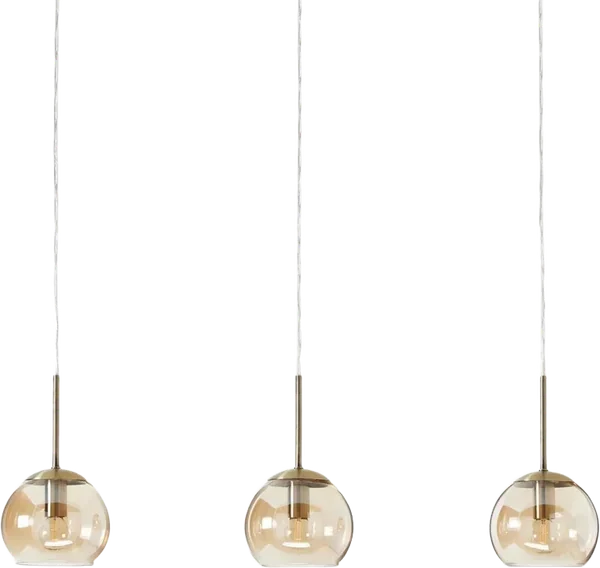

FreeProStudio
Web Clipper extension✓✓✓
Filed in the right room✓✓✓
Active projects3UnlimitedUnlimited
Frequently asked questions
Do I need to be logged in to Phasen?
Yes, the extension uses your account to file the products.
Can I save an inspiration?
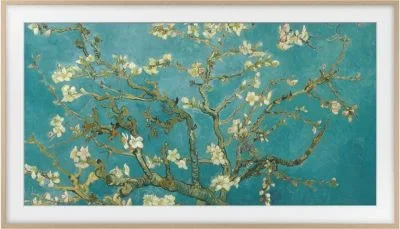
Yes, it joins the project's media.
What other features are waiting for you?
Your next project
starts here.
Web Clipper, and the rest of Phasen, for free.