Studio and mood boards
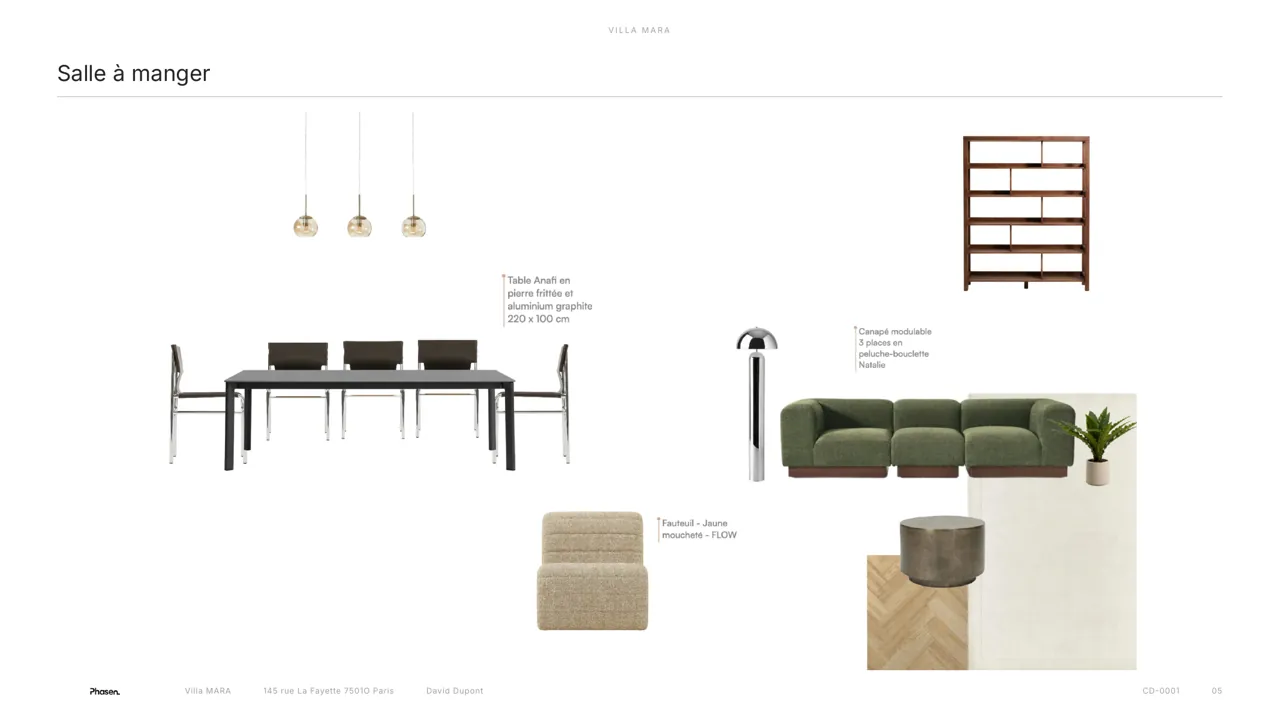
Your products, already on the board.
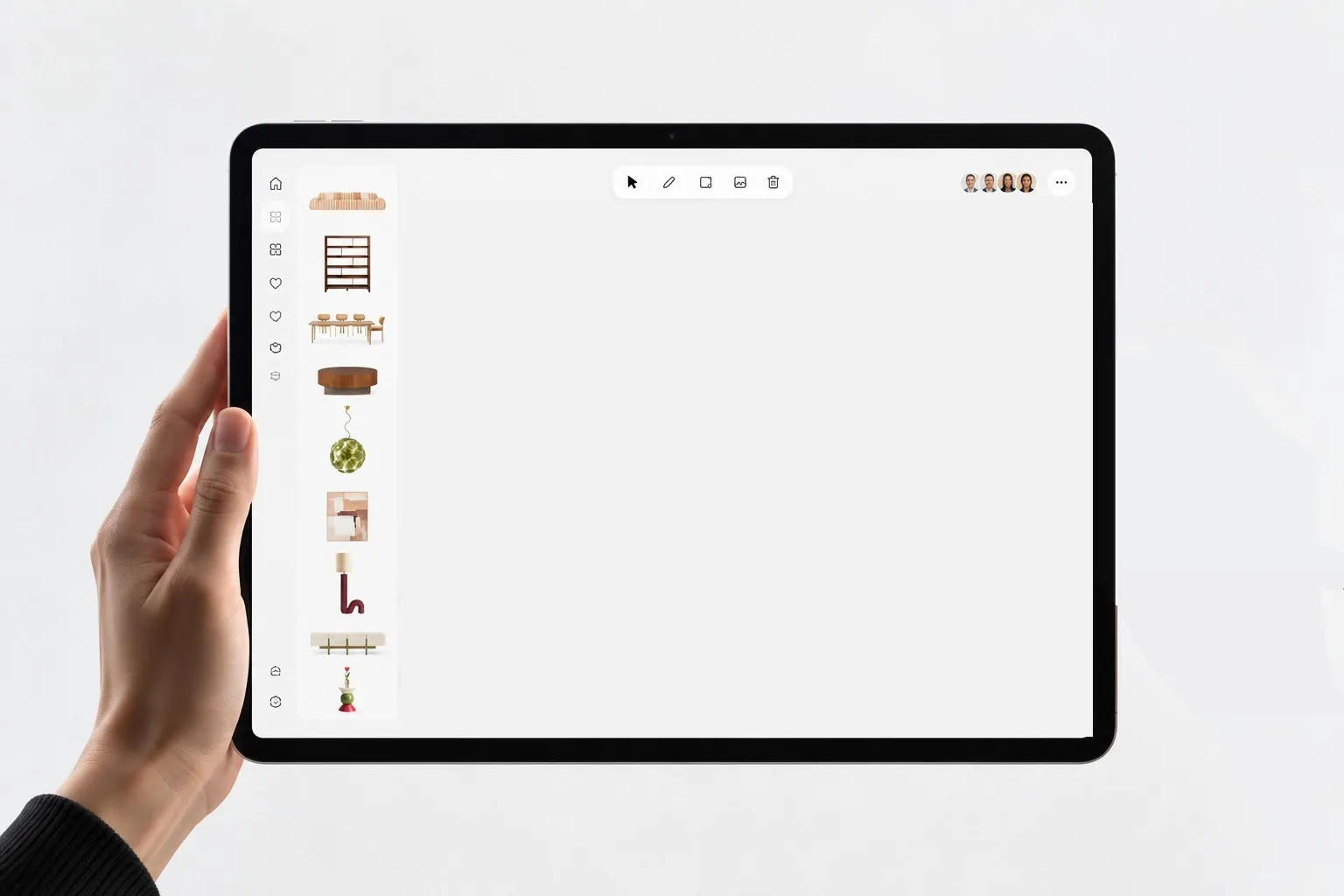
Compose your mood boards by drag and drop, with the project's products already cut out, priced and linked to their suppliers.
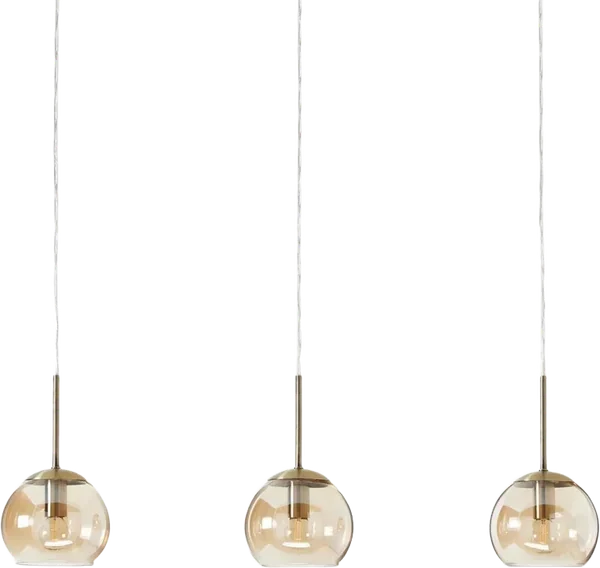
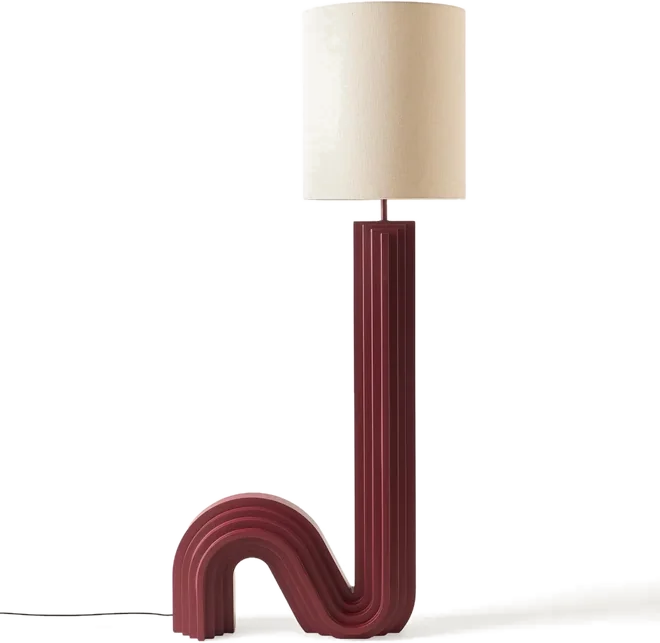
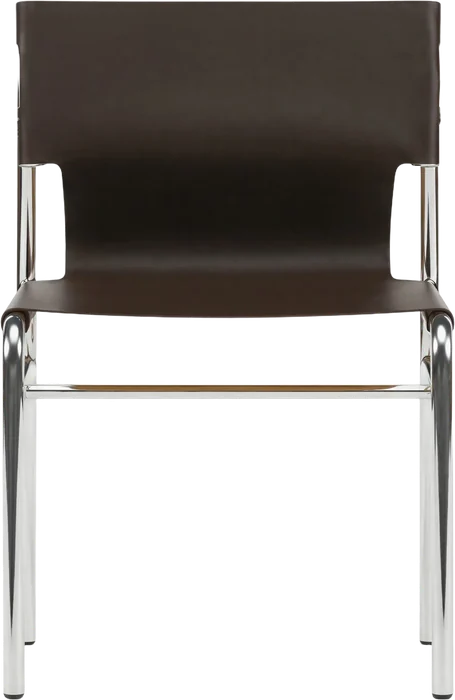
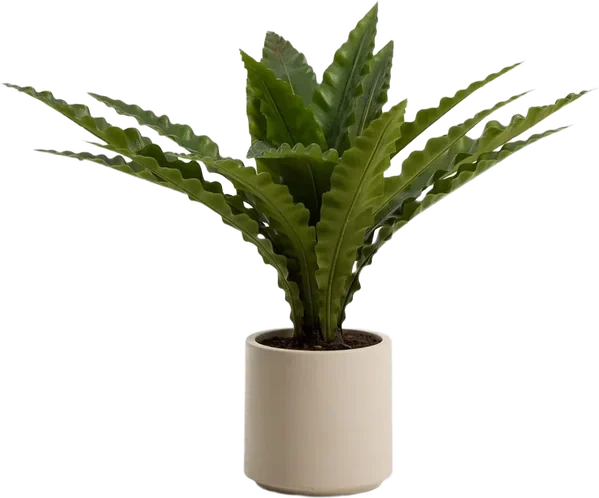
Without Phasen5 steps
- Download the images
- Cut them out
- Place them in Canva
- Export
- Insert into a PDF
With Phasen1 step
Drag the project's products onto the canvas.
Time saved
Three hours in Canva.
Or a quarter of an hour.
For 4 mood boards for one project.
Without PhasenCanva, images cut out by hand
≈ 3 hWith Phasenproducts already cut out and priced, you compose straight away
≈ 15 minUp to×12faster
Collect and cut out the visuals4 × 20 min1 h 20
Compose the board4 × 20 min1 h 20
Add references and prices4 × 5 min20 min
Phasen estimate for 4 mood boards for one project. Actual savings depend on how you work.
An art direction, in minutes.
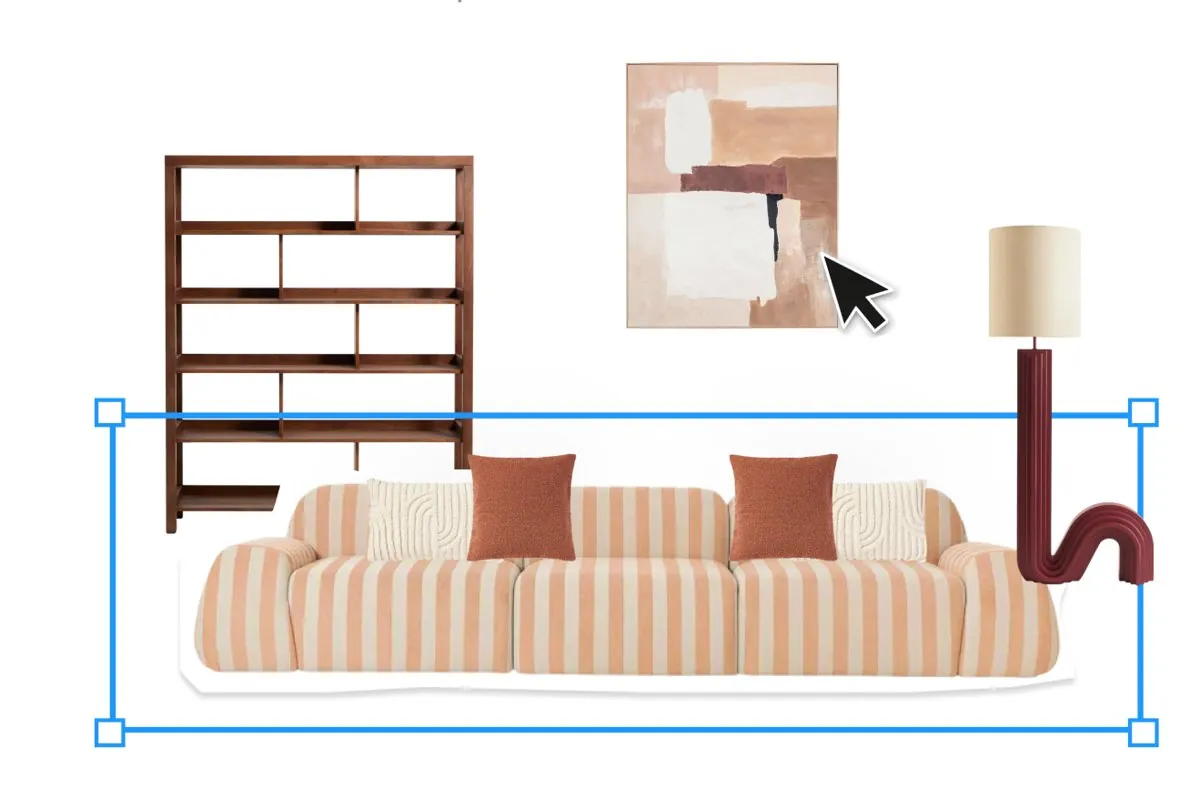
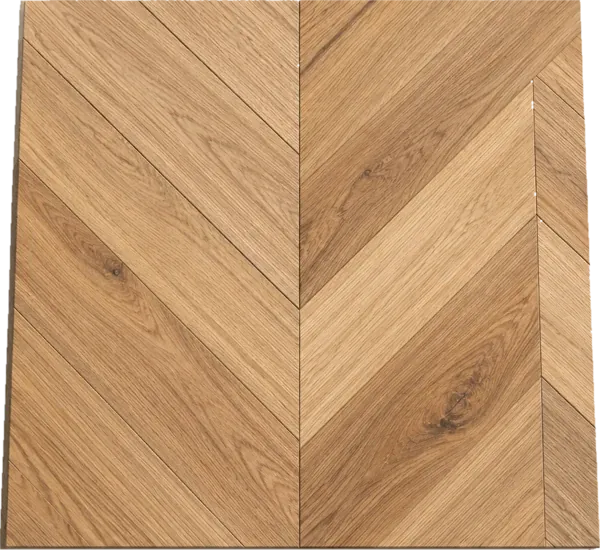
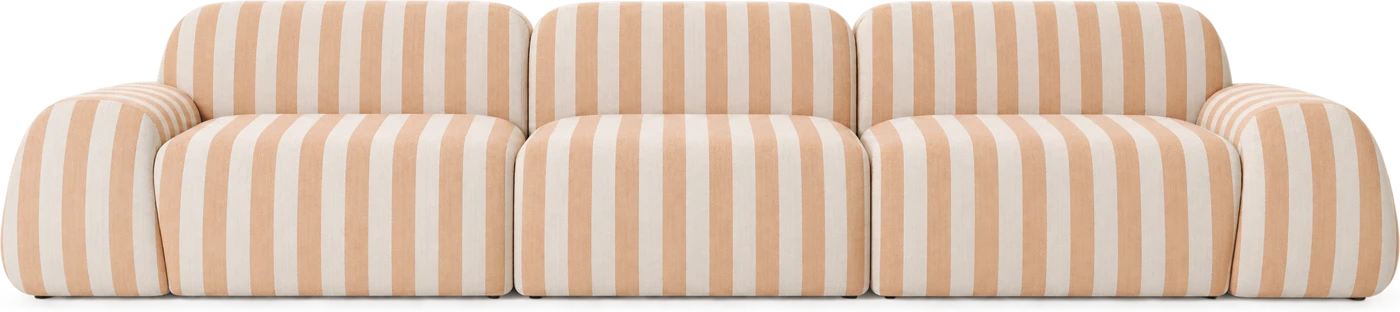
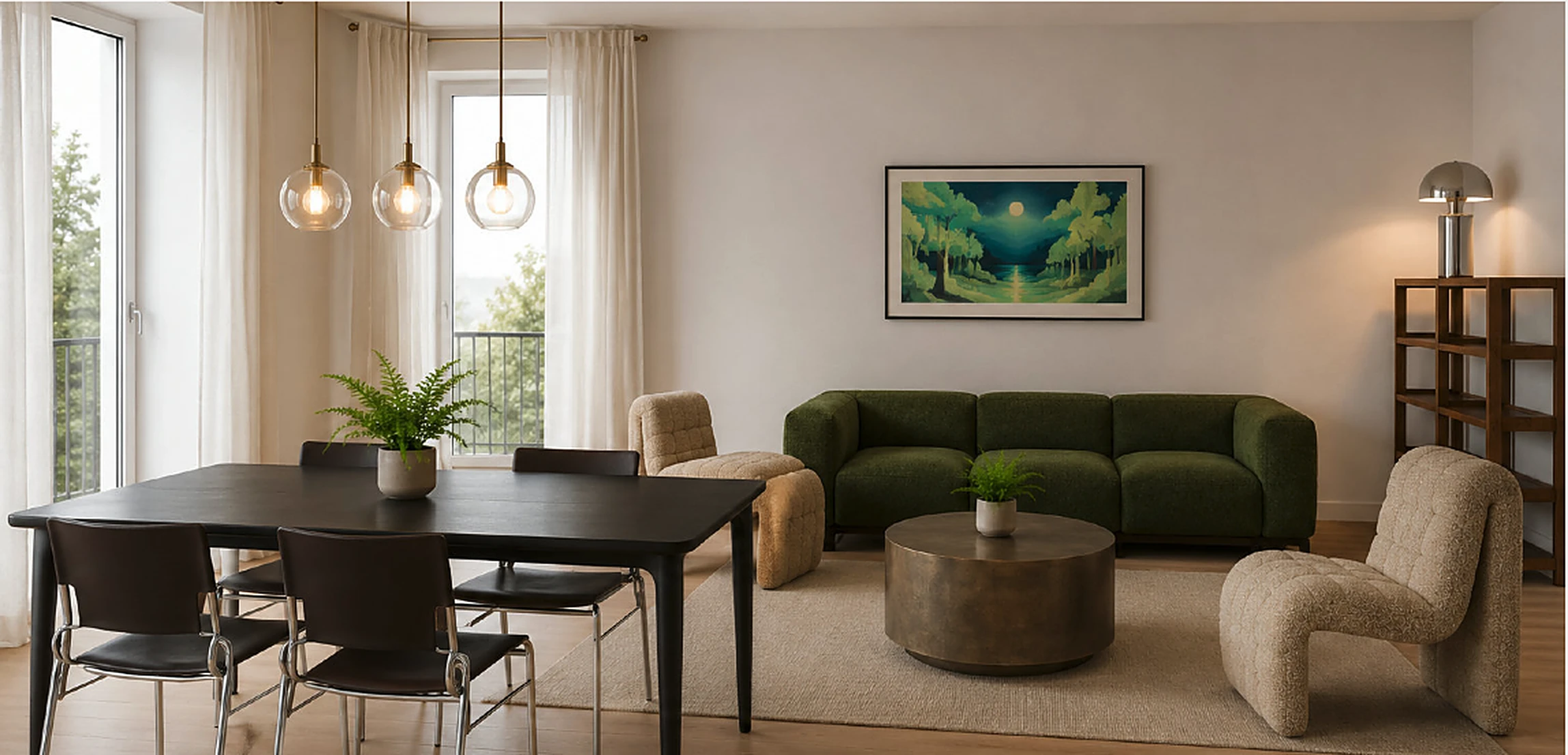
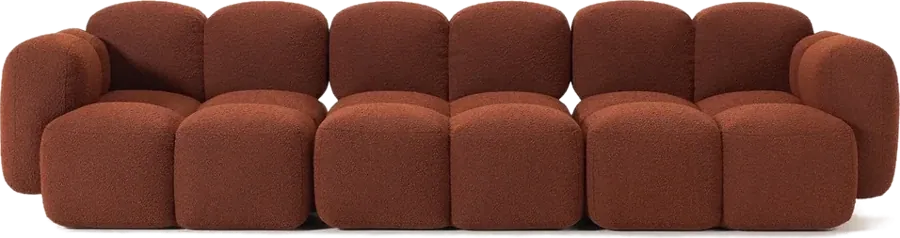
Living roomDurand project · 7 products · €7,980
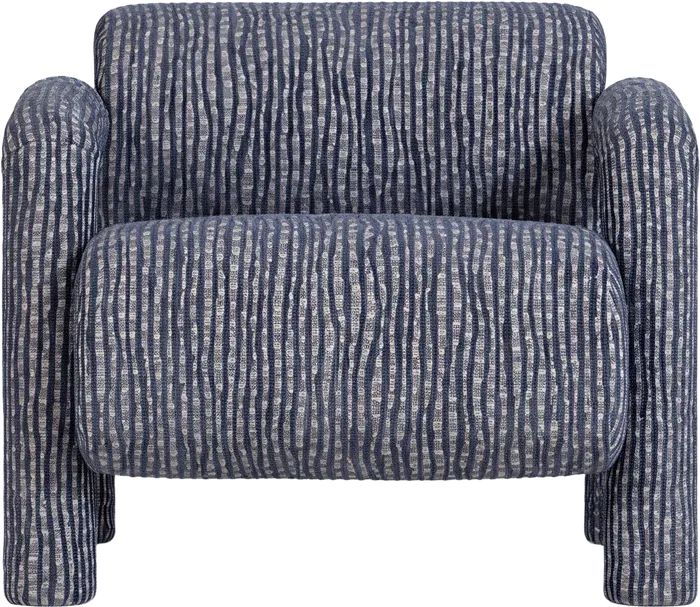
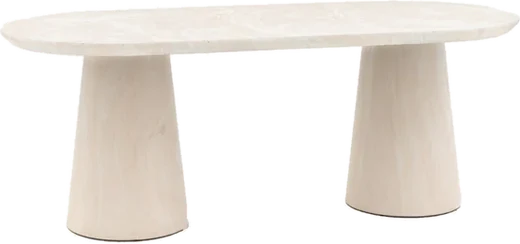
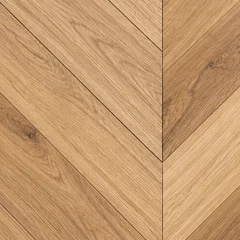
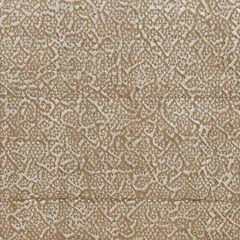

FreeProStudio
Mood boards✓✓✓
Cut-out, dimensioned products✓✓✓
Boards in the presentation✓✓✓
Frequently asked questions
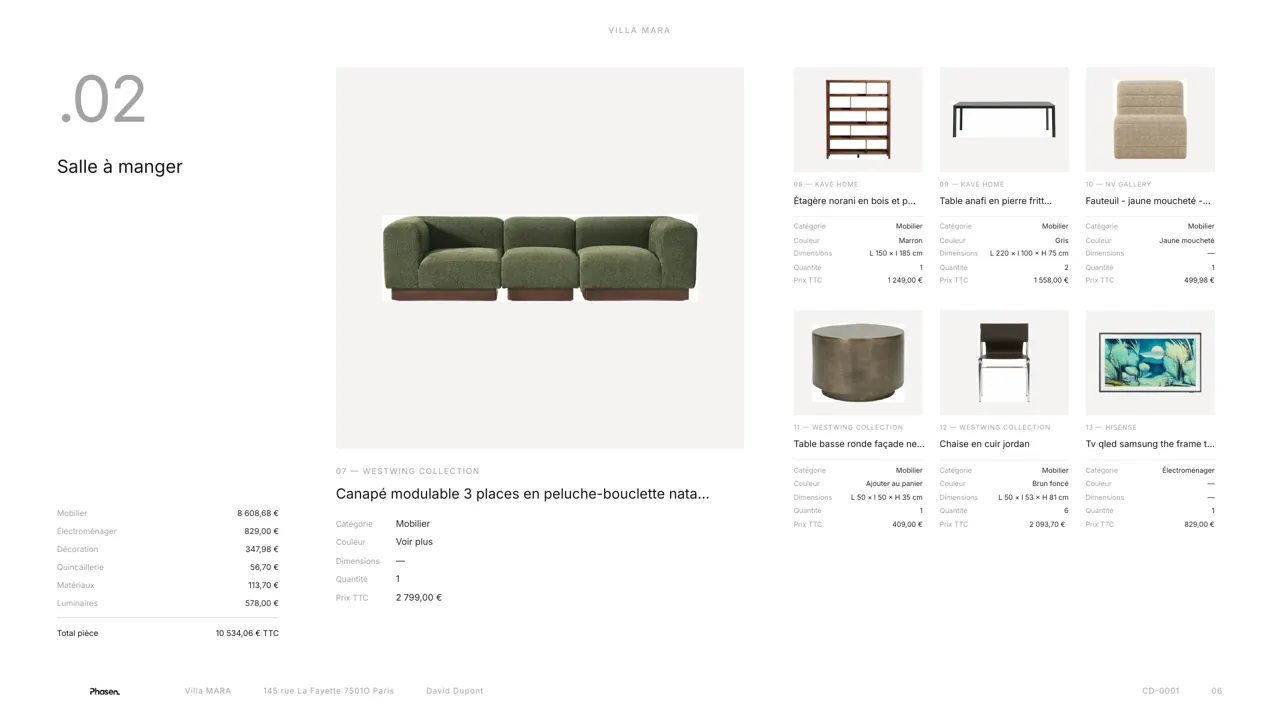
Can my client see the board?
Yes, in their client space or in the PDF presentation.
What other features are waiting for you?
Your next project
starts here.
Studio and mood boards, and the rest of Phasen, for free.