Cut-out and enhancement
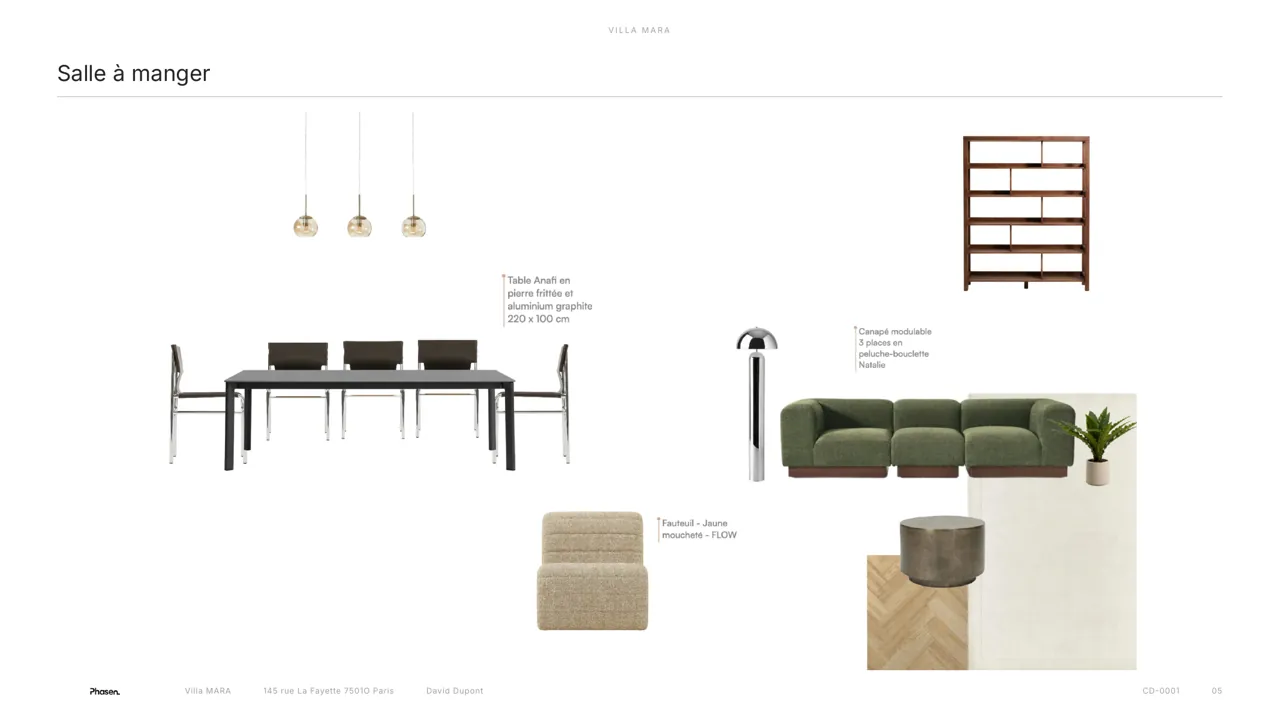
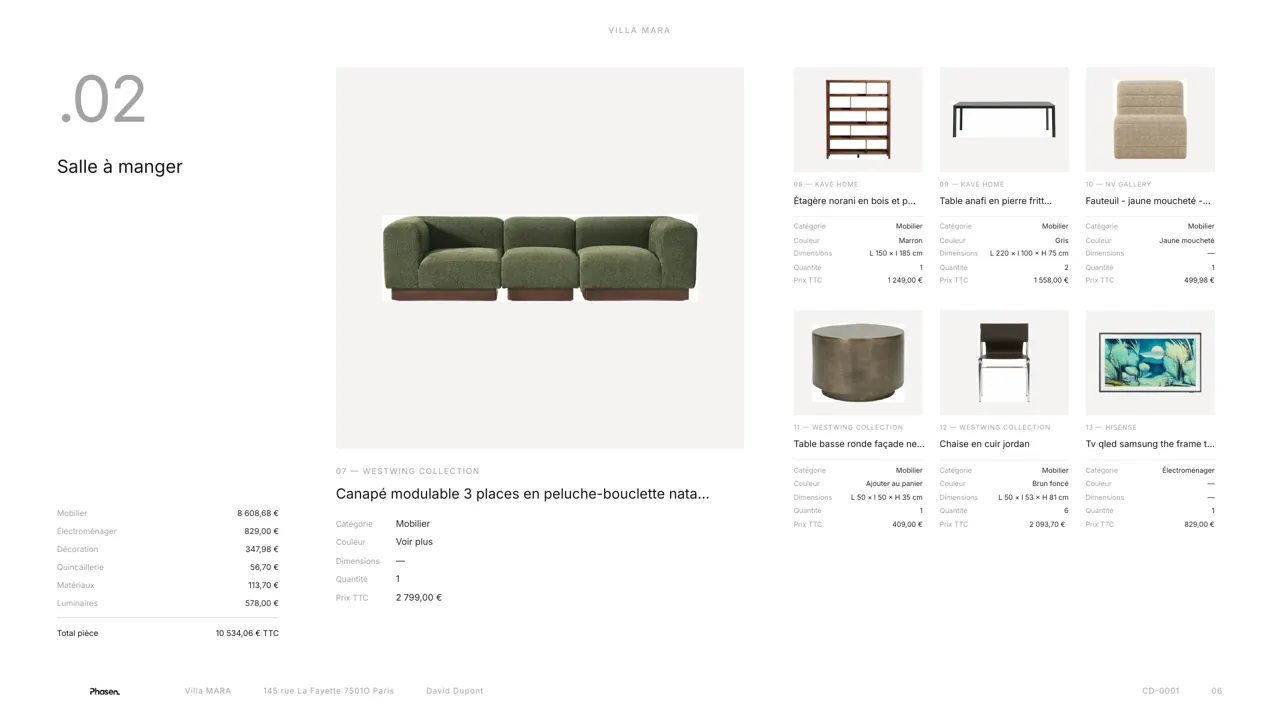
Ready for your boards from the moment you import.
Every product is cut out automatically, then enhanced: Phasen redraws it in 3D to deliver it sharp, clean and always seen head-on, whatever the supplier's photo.
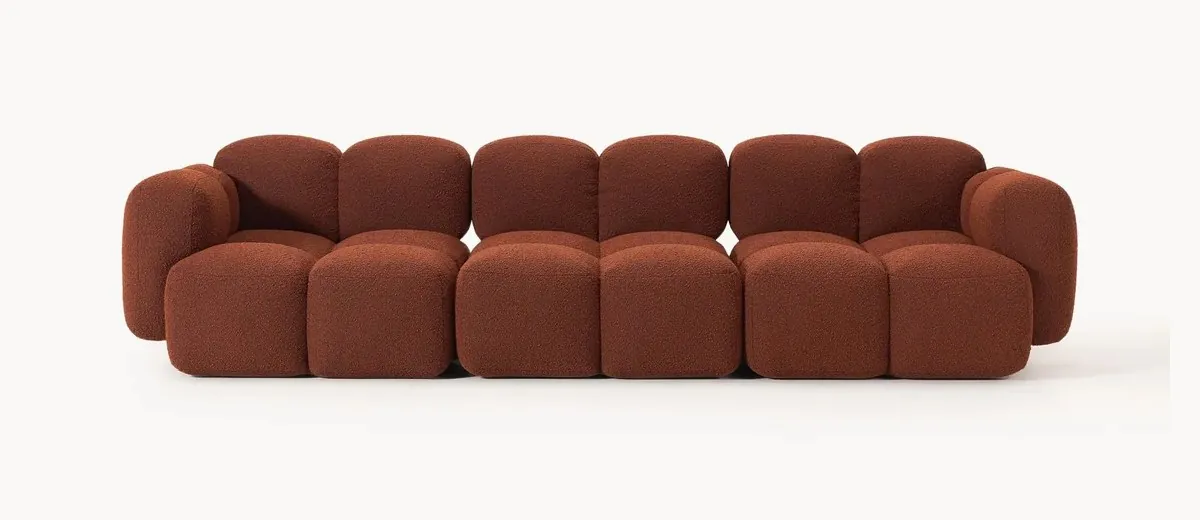
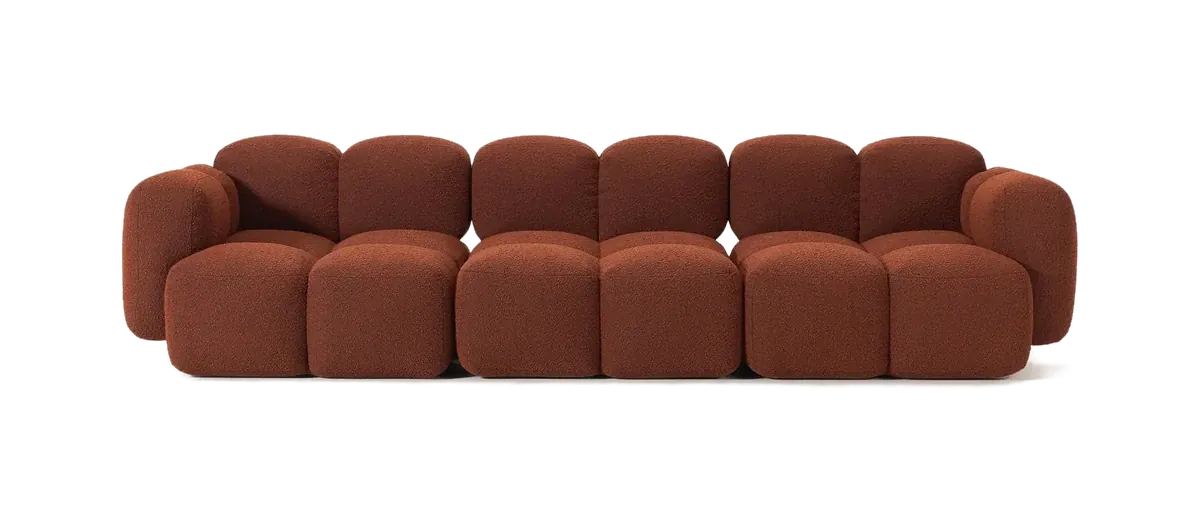
Without Phasen5 steps
- Download the image
- Open Photoshop
- Remove the background
- Export
- Import into Canva
With Phasen1 step
Nothing. The product is already cut out.
Time saved
A day in Photoshop.
Or nothing at all.
For 60 supplier photos to cut out.
Without PhasenPhotoshop, by hand
≈ 5 hWith Phasenautomatic cut-out on import, a few minutes of checking
≈ 5 minUp to×60faster
Cut out each photo60 × 4 min4 h
Straighten and crop60 × 1 min1 h
Phasen estimate for 60 supplier photos to cut out. Actual savings depend on how you work.
No more hunting for PNGs.
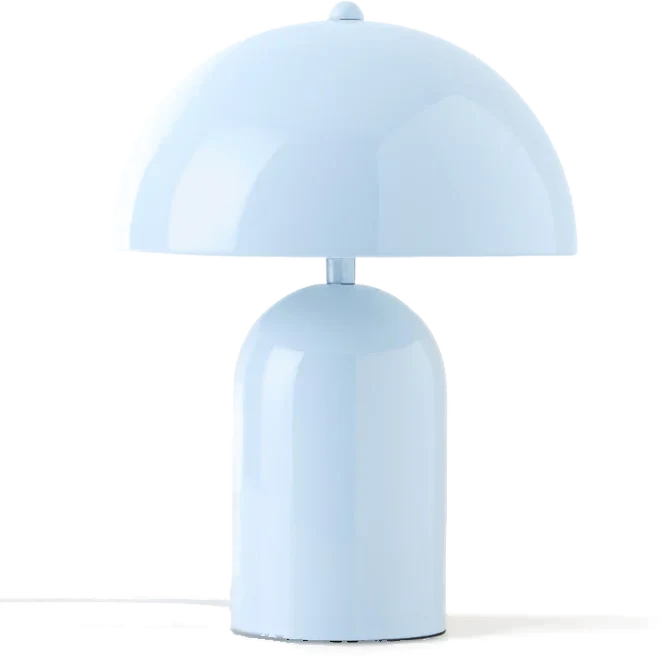
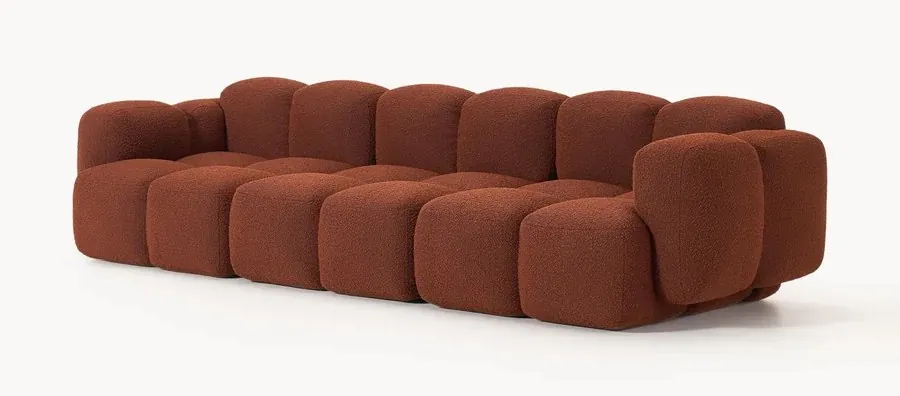 Supplier photo · three-quarter view
↓
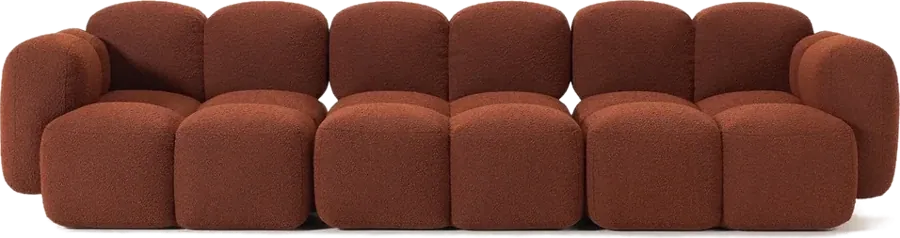 Redrawn head-on · cut out, sharp, aligned
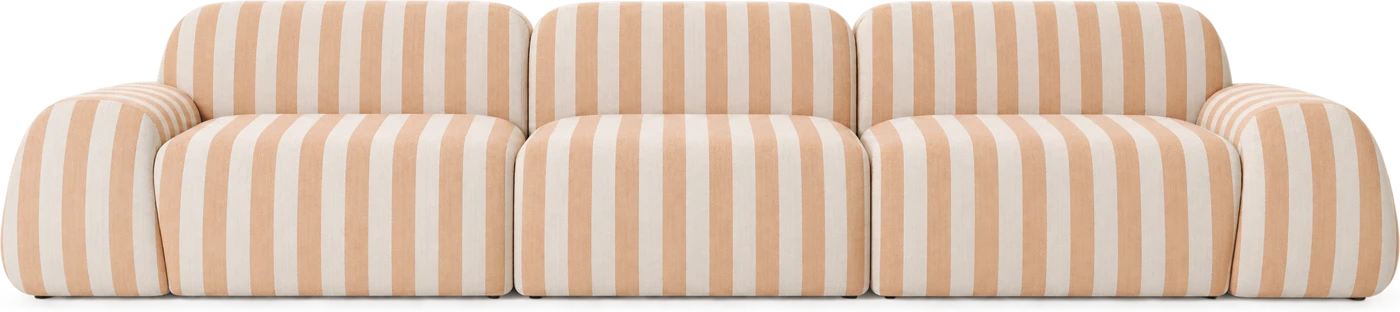
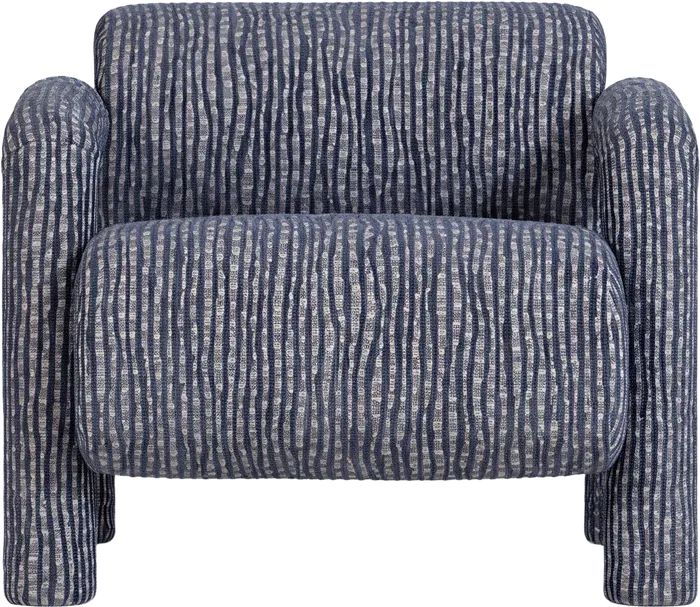
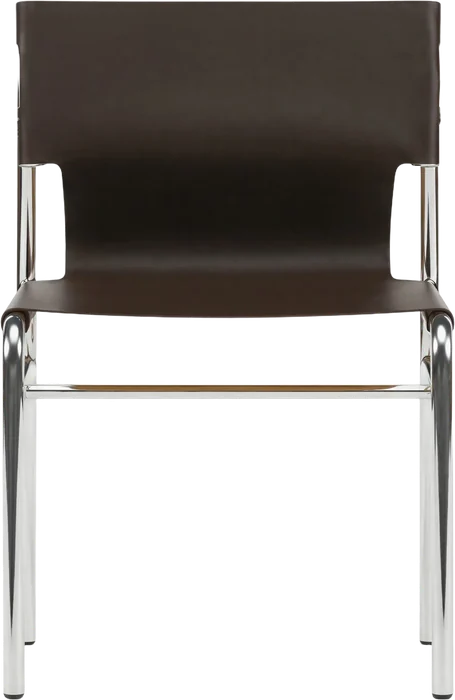
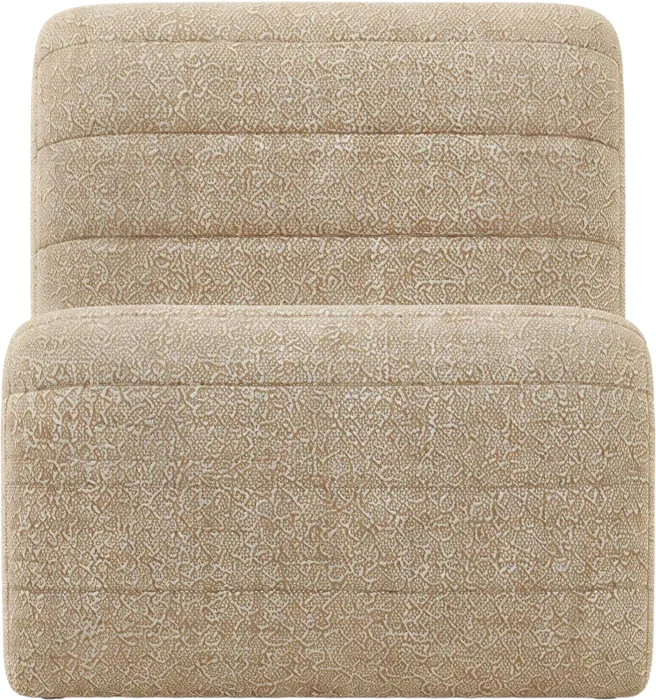
FreeProStudio
Automatic cut-out✓✓✓
AI enhancement and straightening✓✓✓
AI credits per month303001,200
Frequently asked questions
Does the redrawn product stay true to the original?
It keeps the shape, material and colours of the original product. Only the viewing angle is harmonised.
Can I keep the original image?
Yes, the supplier image stays available alongside the cut-out version.
What other features are waiting for you?
Your next project
starts here.
Cut-out and enhancement, and the rest of Phasen, for free.